
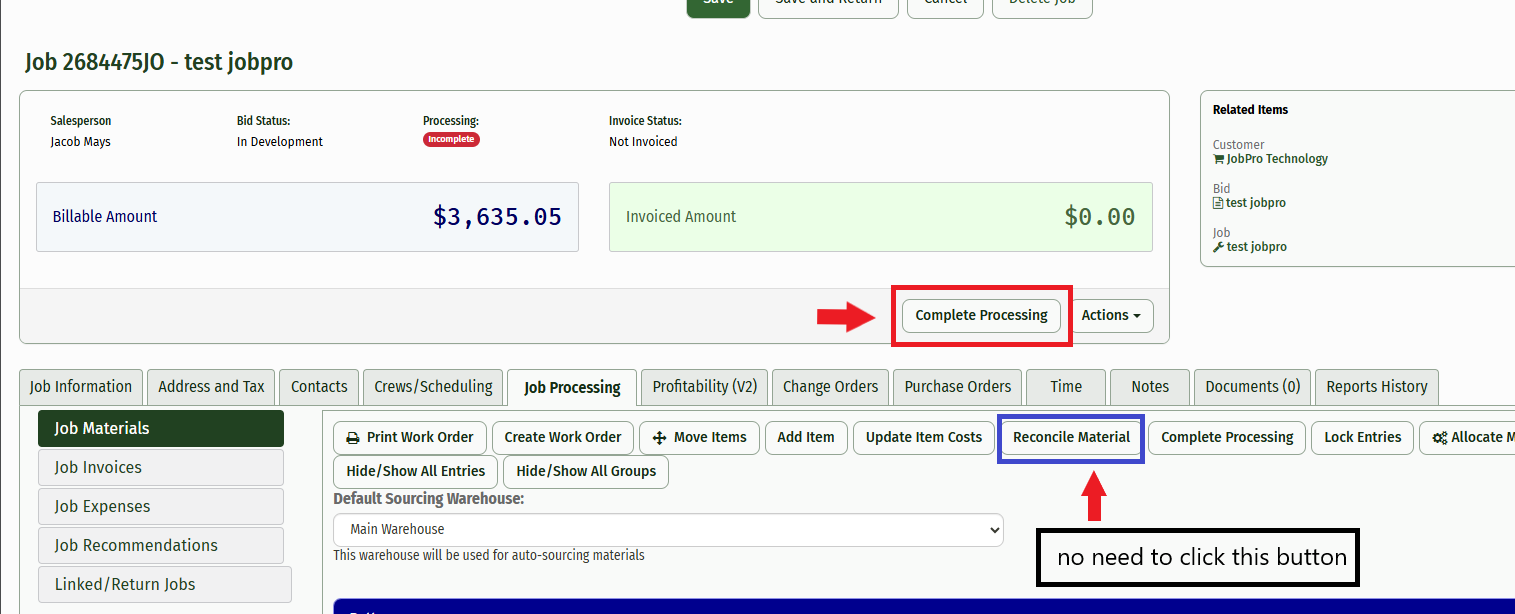
This guide will show you how to Auto Reconcile material. This feature removes the need to click the “Reconcile Material” button from the Job Processing page and automatically reconciles the material when the “Complete Processing” button is clicked.
If you have a Pick List or a Purchase Order for the job and have material that needs to be reconciled, you can either reconcile it manually using the “Reconcile Material” button or have the system do it for you automatically.
1.) Once you have all of your material entries completed and you are ready to reconcile your material from the job, simply click the “Complete Processing” button and all of the material that is left on the job will be returned back to the Return Parts page where you can process it back to inventory.
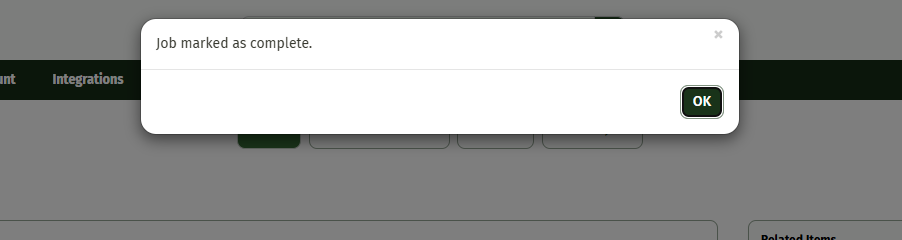
2.) You will recieve the normal message stating that the job has been marked as complete.
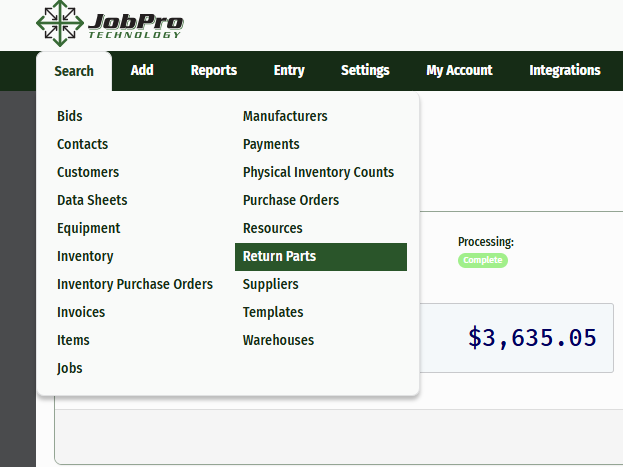
3.) From there, you can navigate to the “Search” Tab and click “Return Parts”
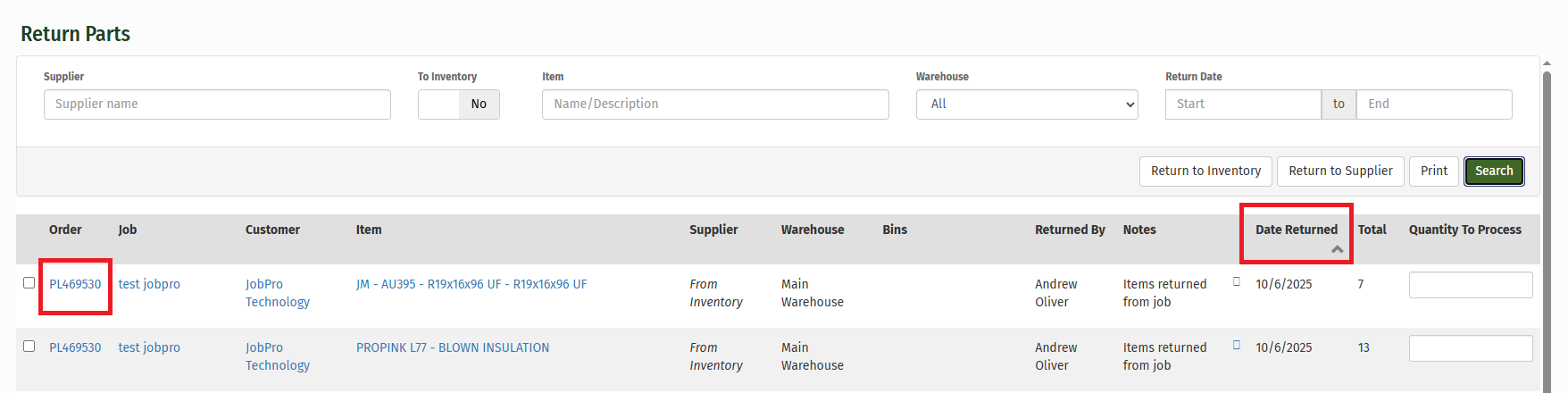
4.) On the “Return Parts” page, you can filter the results using any of the given fields, but it may be easiest to find them by date. Once you have applied your filters, click “Search”.
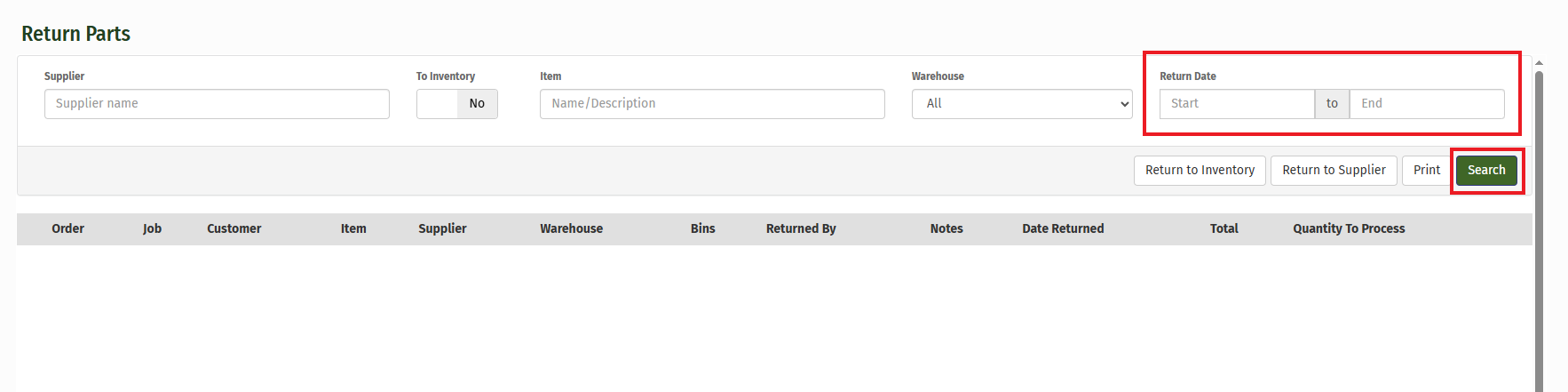
5.) You’ll see that the Pick List you created for the job is now available in the “Return Parts” page, where you can type in the Quantity To Process and Return to Inventory or Return to Supplier. You can also click into the link to view it. If you have trouble finding the Pick List, you can click the “Date Entered” from the tab to label the orders from newest to oldest.
NOTE: If you use the effective date field for reconciling material, the system will make today’s date for the day of reconciling, but you have the ability to set the complete date as a different date if it needs to be back dated.